

How do I view my invoices?
Your invoices are available in the Plans and Billing section of the Settings page.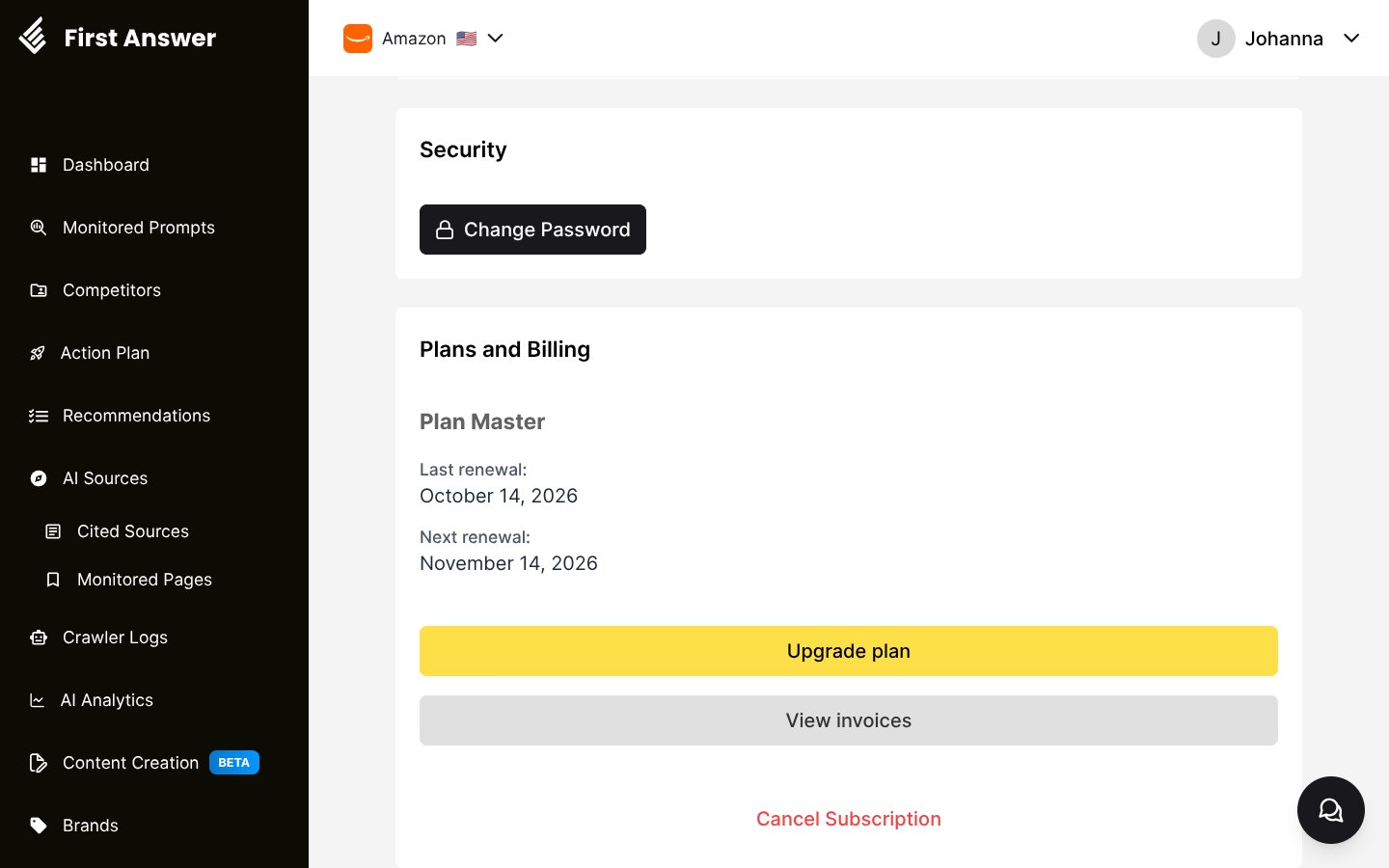
1
Open Settings
Click your name in the top-right corner, then select Settings from the dropdown menu.
2
Go to Plans and Billing
Scroll down to the Plans and Billing section.
3
Click View invoices
Click View invoices. You are redirected to a secure billing portal, hosted by our payment provider (Stripe), where you can see your invoice history and update your payment method.