

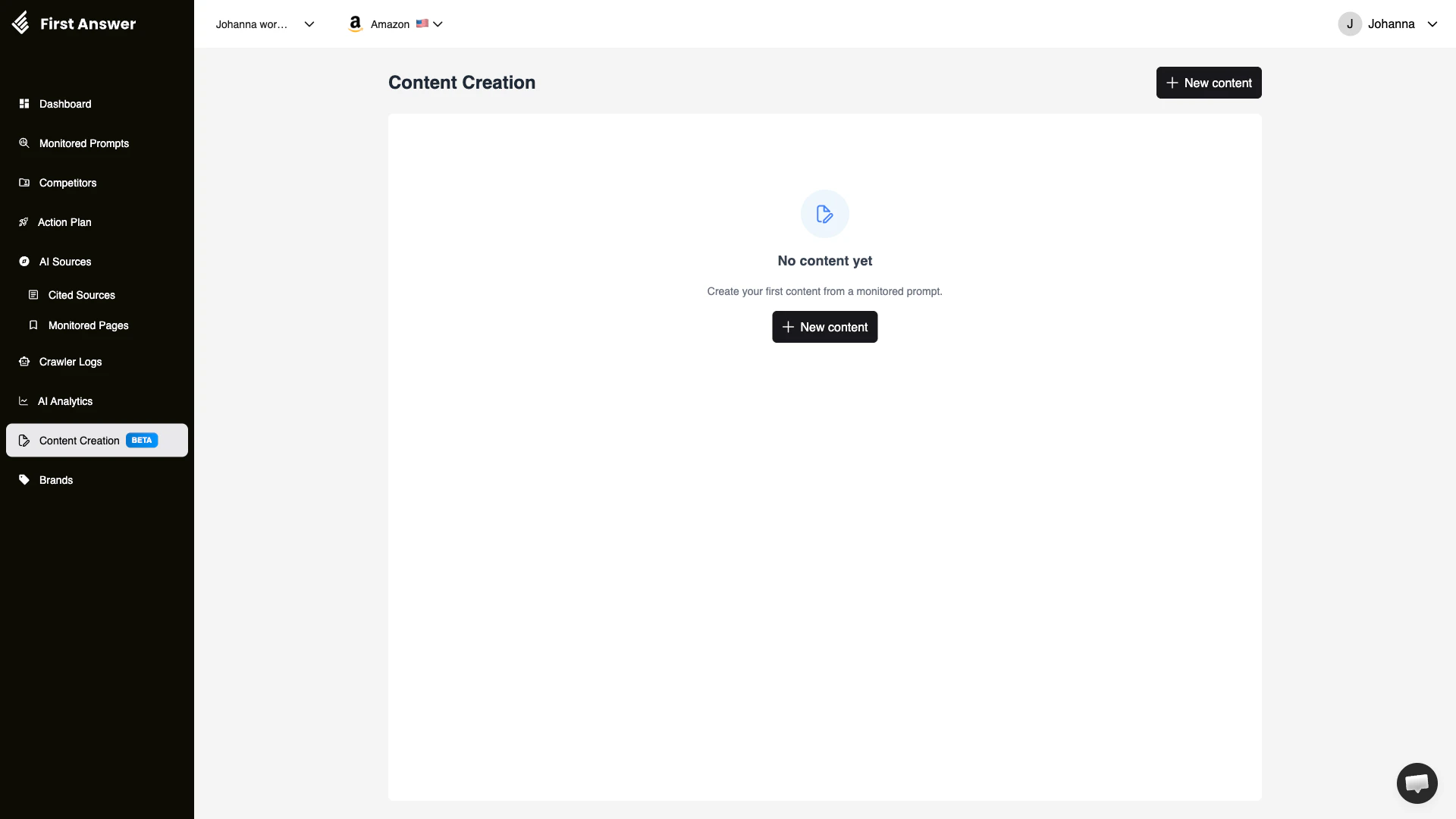
What is Content Creation?
Content Creation is currently in Beta. Features and functionality may change as we refine the experience.
How it works
Content Creation analyzes your First Answer data to understand:- What questions your audience asks (from monitored prompts)
- What sources AI models trust (from cited sources)
- Where your brand is missing (from low-visibility prompts)
- What competitors are doing right (from competitive analysis)
Key concepts
AI-optimized content
Content that is “optimized for AI” differs from traditional SEO content in important ways:- Answers questions directly: AI models prefer content that clearly and concisely answers specific questions
- Includes structured data: Well-organized content with headings, lists, and clear hierarchy is easier for AI models to parse
- Cites authoritative information: Content that references credible data and sources is more likely to be trusted by AI models
- Covers topics comprehensively: AI models prefer in-depth, thorough content over thin or superficial pages
From prompt to content
The connection between your monitored prompts and content creation is direct:- A monitored prompt shows 0% visibility for your brand
- Content Creation analyzes what AI models currently cite for that prompt
- It generates a content brief or draft that targets that specific question
- You publish the content on your site or relevant platforms
- Over time, AI models discover and cite your new content
- Your visibility for that prompt improves
How to use Content Creation
1
Identify content opportunities
Start by reviewing your Monitored Prompts with the lowest visibility. These are the prompts where new content could have the biggest impact.
2
Create new content
Click + New content and select a monitored prompt to base it on. The tool will analyze the prompt and generate a targeted content brief.
3
Review and customize
Review the generated content suggestion. Customize it to match your brand voice, add proprietary insights, and ensure accuracy.
4
Publish and monitor
Publish the content on your website or relevant platforms. Add the URL to Monitored Pages to track when AI models begin citing it.